Elementor vs Divi: Which Page Builder Should You Use in 2026?
Both are mature enough to build almost anything well. The decision that actually matters is not which one is "better" — it is which set of trade-offs fits how you actually work.

Most Elementor vs Divi articles are written by an affiliate promoting whichever one pays the referral fee. I build production sites on both, for clients who did not ask my opinion on which is "better" — they asked which one fits their site. That is a more useful question, and this is the honest answer to it.
The short answer
If you want the decision without the reasoning:
- Elementor if you need a very specific integration or widget that only exists as a third-party add-on, or your next developer is more likely to already know it.
- Divi if you are maintaining multiple sites and want one vendor, one flat licence, and a theme and builder that ship as a single product.
If neither of those obviously settles it for you, the rest of this is worth reading, because both are mature enough that the wrong choice is more about fit than capability.
What each one actually is
They solve the same problem — visual, no-code page building on WordPress — from different starting points.
Elementor is a page builder plugin that sits on top of a separate theme. Elementor Pro adds Theme Builder, WooCommerce Builder, Popup Builder and dynamic content. Its real strength is the ecosystem around it: a large market of third-party widget packs and templates that plug straight in.
Divi is Elegant Themes' own theme and builder, shipped as one product. Divi 5 rewrote the Visual Builder in React specifically to fix the editor-speed complaints that dogged Divi 4, and paired it with a Design System — Elegant Themes' answer to Elementor's Global Kit.
Elementor
Where it wins
- Ecosystem. The largest third-party market of any WordPress builder. If a client needs a specific integration or a niche widget, there is almost always an existing Elementor add-on for it.
- Familiarity. More freelancers and agencies already know Elementor than any competitor, which matters if you expect to hand the site to a different developer down the line.
- A real free tier. A small site can start on Elementor without paying anything up front, then move to Pro only if it needs Theme Builder or WooCommerce Builder.
Where it hurts
- Global styling is opt-in, not automatic. The Global Kit has to be deliberately set up, or every new section gets styled from scratch and the site drifts inconsistent page to page — the single most common thing I get called in to fix on existing Elementor builds.
- Third-party add-ons are the usual source of bloat. Widget packs installed for one feature keep loading their assets on every page, and version conflicts between add-ons are a frequent cause of a build breaking after an update.
- Licensing scales with site count. Elementor Pro is sold per number of sites, so the cost adds up if you are maintaining several.
Most of the Elementor work I am hired for is exactly these three things on a build somebody else left unfinished. See Elementor customization for what that looks like, or Elementor bug fix if something specific just broke.
Divi
Where it wins
- One product, one vendor. Theme, builder and Design System ship together, so there is one place responsible when something breaks rather than a theme from one vendor and a builder from another.
- Divi 5's editor is genuinely faster. The React rewrite was a direct response to how sluggish the old shortcode-based Divi 4 builder felt on larger pages.
- Flat, unlimited-site licensing. One price covers as many sites as you maintain, which matters if you are an agency or freelancer running several client builds.
Where it hurts
- Smaller third-party ecosystem. A very specific niche integration is more likely to need custom development instead of an existing add-on.
- Migration debt is real. A site still running old Divi 4 layouts needs a deliberate move into Divi 5's builder and Design System to get the benefit — and a half-migrated build is worse than either version done consistently.
- Fewer developers know it well. Elementor's larger user base means it is usually easier to find someone already fluent in it.
The pattern I see most on Divi sites is exactly that half-migrated state — some templates rebuilt in Divi 5, others still on Divi 4 shortcodes. Not sure which one a given site is actually on? The Divi 5 migration checker confirms it in a few seconds. See Divi 4 vs Divi 5 for a full breakdown of what changed, or Divi customization for how that migration is planned properly instead of left half-done.
Side by side
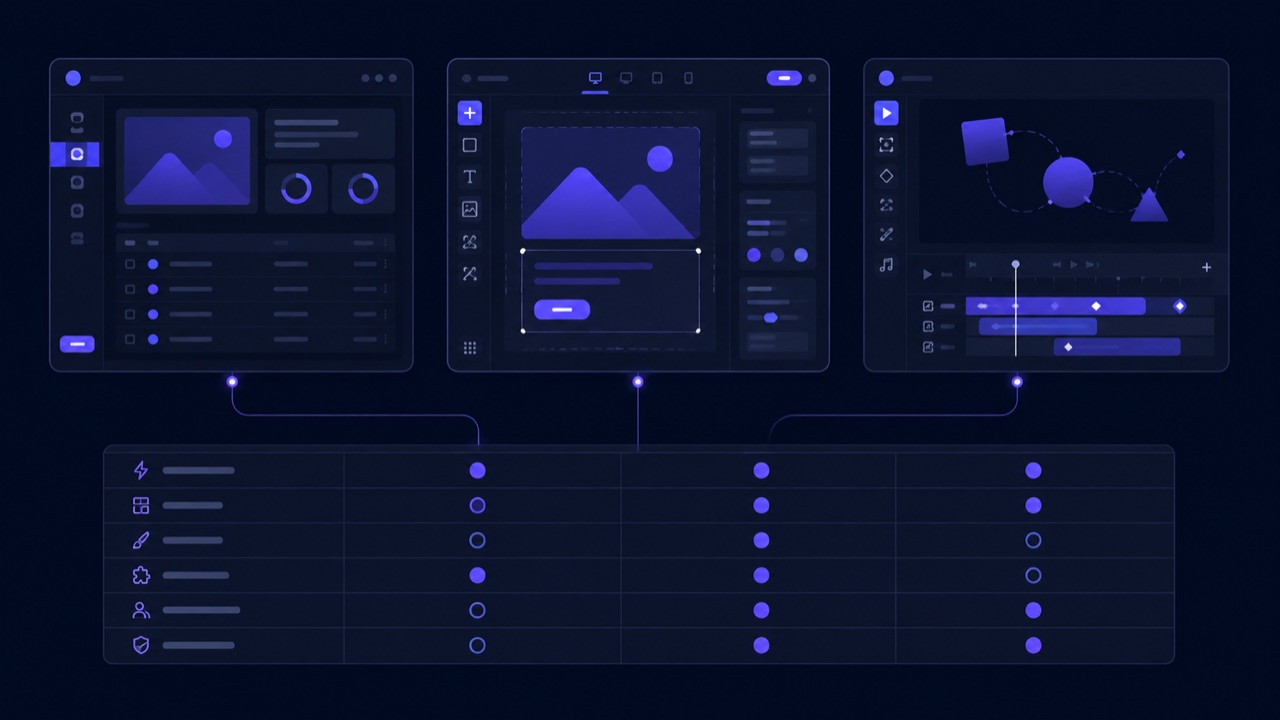
| Elementor | Divi | |
|---|---|---|
| Third-party ecosystem | Largest | Smaller, more self-contained |
| Global styling system | Global Kit (Pro) | Design System (Divi 5) |
| Editor performance | Good, depends on add-ons installed | Fast since the Divi 5 rewrite |
| Licensing | Free, plus tiered Pro by site count | Single tier, unlimited sites |
| WooCommerce | WooCommerce Builder (Pro) | Divi Builder for WooCommerce |
| Developer familiarity | Highest | Good, smaller pool |
| Legacy risk | Low | Medium if stuck on unmigrated Divi 4 |
The questions that actually decide it
- How many sites are you maintaining? Divi's flat licence starts winning on cost the moment you are past two or three sites.
- Does the build depend on one very specific integration? Check whether it exists as an Elementor add-on before assuming either builder covers it equally.
- Who edits this after launch, and do they already know one of the two? Elementor's larger user base makes finding a familiar developer easier later.
- Is this an existing Divi 4 site? The honest choice is a proper migration to Divi 5, or a rebuild elsewhere — not limping along half-upgraded.
- How complex is the store, if there is one? Check WooCommerce Builder against Divi's WooCommerce modules for your actual product setup, not just the marketing page.
What I would pick
Agency or freelancer maintaining several client sites on a fixed budget: Divi, for the flat unlimited-site licence alone.
A site that depends on one niche plugin integration that only ships as an Elementor widget: Elementor — fighting an ecosystem gap costs more than any builder preference is worth.
A brand-new build with no legacy baggage and a team that already knows one of the two: whichever they already know. The builder matters less than someone actually setting up the Global Kit or Design System properly, instead of styling every page from scratch.
An existing site stuck on old Divi 4 layouts: migrate to Divi 5 deliberately, or rebuild in Elementor if the design needs have genuinely outgrown Divi. Either is fine. Half-done is not.
Performance: the myth and the reality
Neither builder is inherently slow. A badly configured Elementor site and a badly configured Divi site perform identically badly, and a well-configured one on either performs fine. What actually hurts pages on both, in order of impact:
- Unused widgets, modules and leftover CSS accumulating over time and never being cleaned out.
- Third-party add-on plugins loading their assets on every page, whether that page uses them or not.
- Never setting up the Global Kit or Design System, so every section pulls in one-off styling instead of a shared preset — which bloats markup as much as it hurts consistency.
If a builder site has slowed down over time, that is almost always accumulated build debt rather than the builder itself — see improving WordPress website speed for the general version of this same problem.
The honest conclusion
Both are mature, both can produce a fast, consistent site, and both can produce a slow, inconsistent one in the wrong hands. The decision that actually matters is which licensing and ecosystem fits your situation, not which builder wins some abstract argument.
Whichever you pick, the same discipline applies either way: build the header, footer and templates once in the Theme Builder, set the global styling up front, and keep add-ons to what you actually use.
Not sure which one a site you're looking at is actually built on — your own, or a competitor's? Check it free and get an instant answer, no signup required.